

Belltower
by Hulka Labs
Desktop scheduling tool for colleges — build the timetable, catch the clashes, publish it to the web.
In use at one college — the one where I teach
Ukrainian interface
Screenshots
What it does
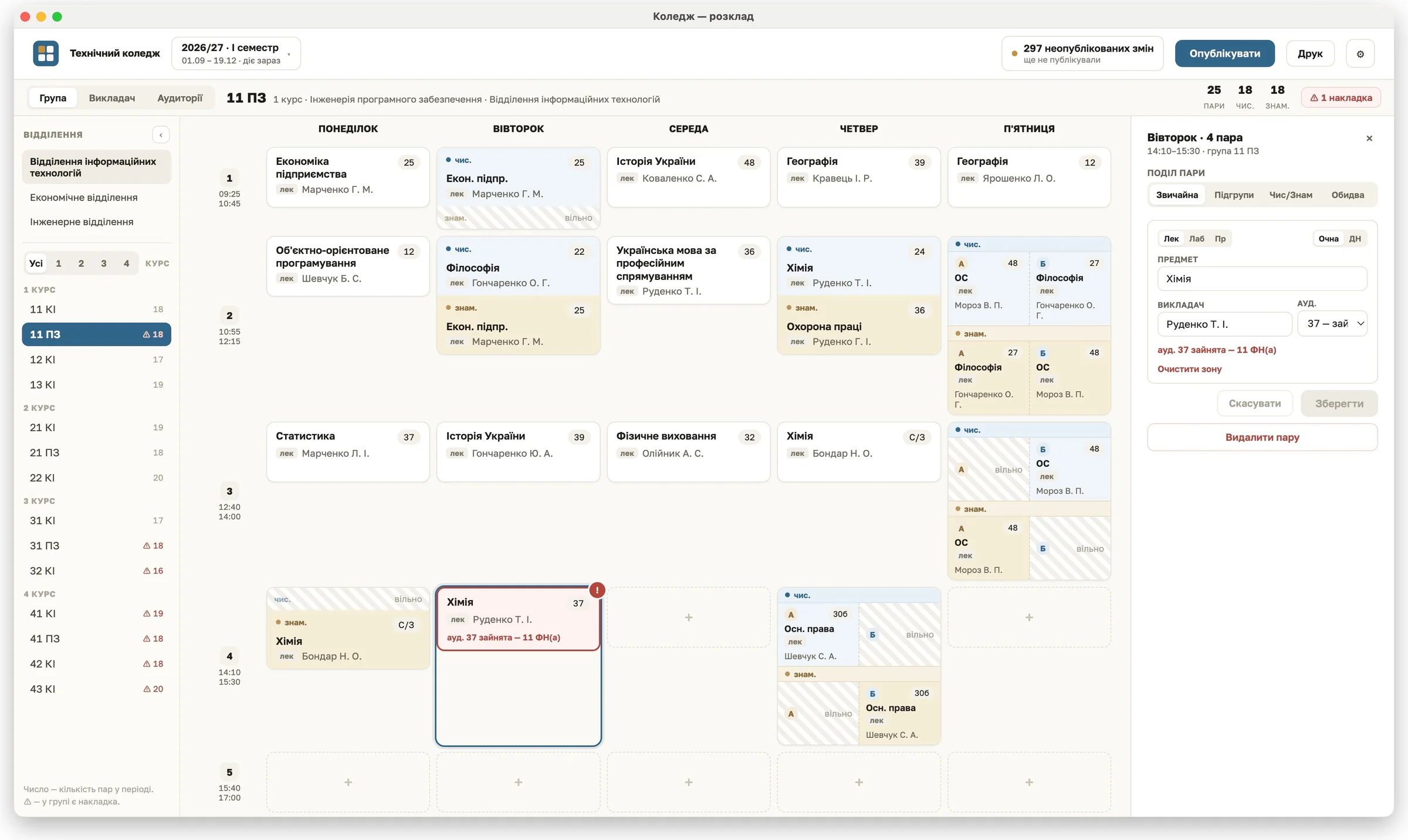
- Build timetables the way colleges actually work. Lessons split by subgroup, by alternating weeks, or by both at once — four slots in a single period when you need them.
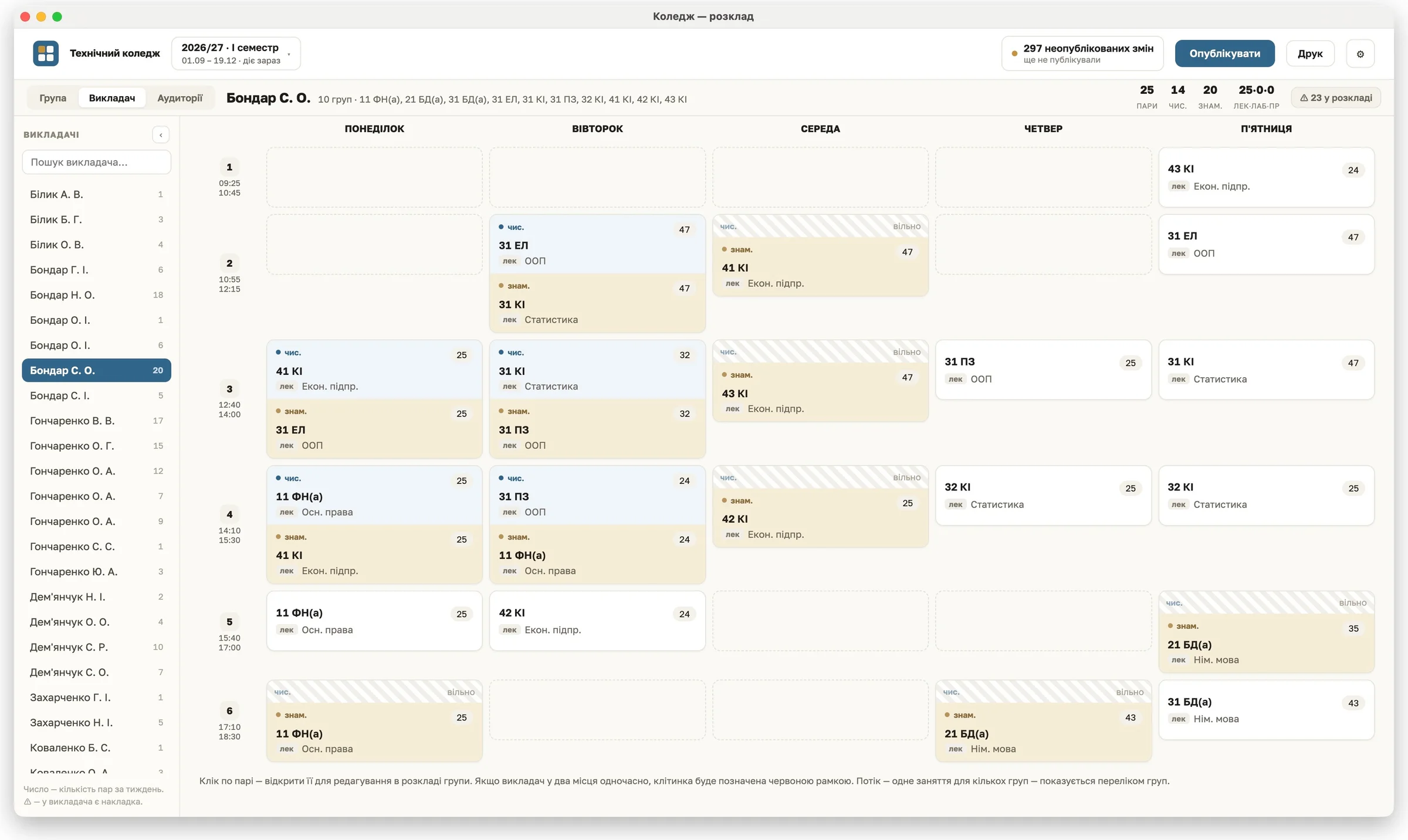
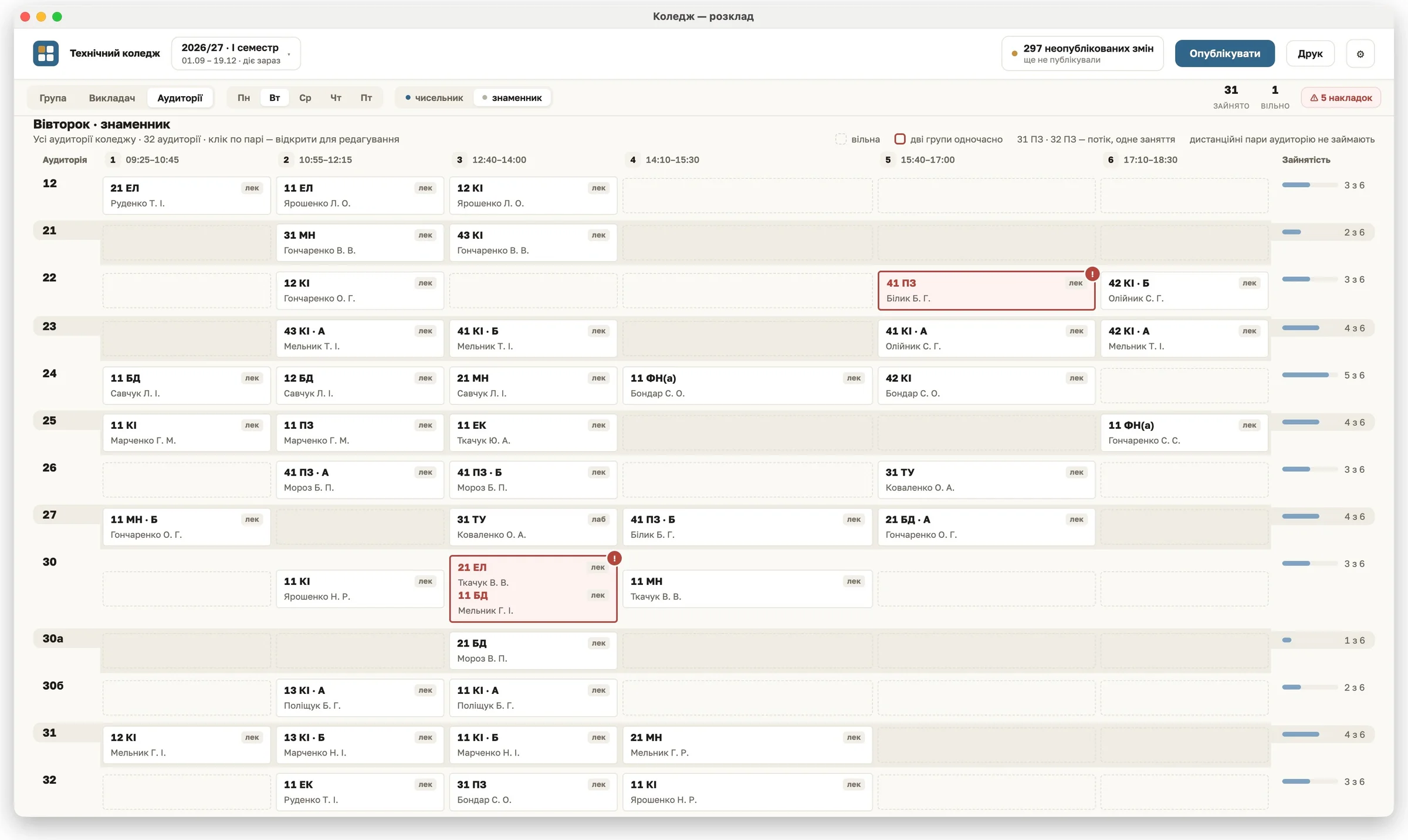
- Catch clashes as you type. Double-booked teachers and rooms are flagged the moment they appear, with the conflicting group named right in the cell. Nothing is ever blocked — the dispatcher decides.
- See the same schedule three ways. By group, by teacher, or by room. Click any lesson in any view to jump straight to editing it.
- Handle the awkward cases. Stream lessons shared across groups, shared spaces like the gym, remote classes, floating working Saturdays, zero periods, holidays.
- Print what the administration signs. Group timetables two to a page with the approval block, or a full-week sheet for each teacher. Output is PDF, laid out exactly like the paper forms the college already uses.
- Publish in one click. Changes stay local until you publish — then the website and everyone's phone update at once. Every publication is versioned, and you can see exactly what changed before sending it.
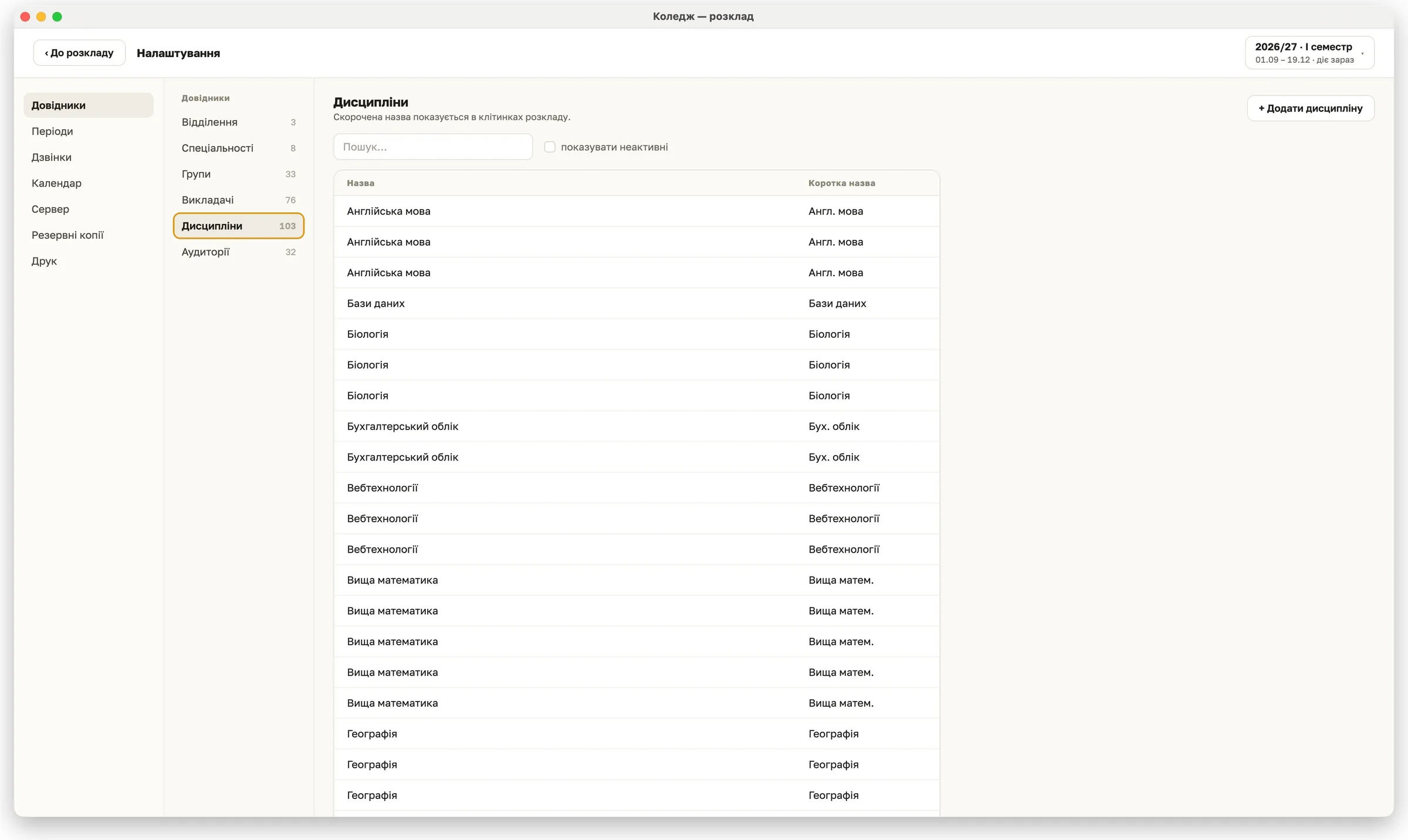
- Never lose the data. Automatic backups on every publication and on first launch each day, integrity-checked, with a one-click restore that keeps a copy of the current state first.
- Works offline. Everything runs on the dispatcher's own machine. No internet needed until you publish.